
Imagine working from a beach in Bali, a café in Paris, or a co-working space in Tokyo — all while keeping your business running smoothly. Sounds like a dream? For millions of digital nomads, it’s everyday reality.
But here’s the truth: location freedom only works when you have the right tools. The wrong apps can kill your productivity, miss deadlines, and drain your energy.
In this guide, you’ll discover the best digital nomad apps that actually help you work from anywhere — covering productivity, communication, finance, travel, and more.
What Are Digital Nomad Apps?
Digital nomad apps are tools and platforms designed to help remote workers manage their work, travel, finances, and communication — all from their smartphone or laptop.
Whether you’re a freelancer, remote employee, or online business owner, these apps replace the need for a fixed office and keep everything organized no matter where you are in the world.
Why the Right Apps Matter for Digital Nomads
Working remotely sounds simple, but without the right setup, things can get messy fast. Here’s what the right apps help you with:
- Stay productive across different time zones
- Communicate clearly with clients and teams worldwide
- Manage money in multiple currencies
- Find reliable Wi-Fi and safe workspaces
- Stay organized with projects, files, and deadlines
The right app stack can mean the difference between thriving as a nomad — or struggling every single day.
Best Digital Nomad Apps by Category
1. Productivity & Task Management
Notion Notion is one of the most popular all-in-one tools among digital nomads. You can manage projects, write notes, build databases, and create a personal dashboard — all in one place.
Best for: Freelancers and solo entrepreneurs who need everything in one workspace.
Todoist A clean and simple task manager that syncs across all your devices. You can set priorities, due dates, and recurring tasks with ease.
Best for: People who love simple, distraction-free task lists.
Trello Trello uses a visual board system (called Kanban) to help you organize projects. It’s great for both solo work and team collaboration.
Best for: Visual thinkers and small remote teams.
2. Communication & Team Collaboration
Slack Slack is the go-to communication tool for remote teams. You can create channels for different projects, share files, and even make video calls — all in one app.
Best for: Teams working across multiple time zones.
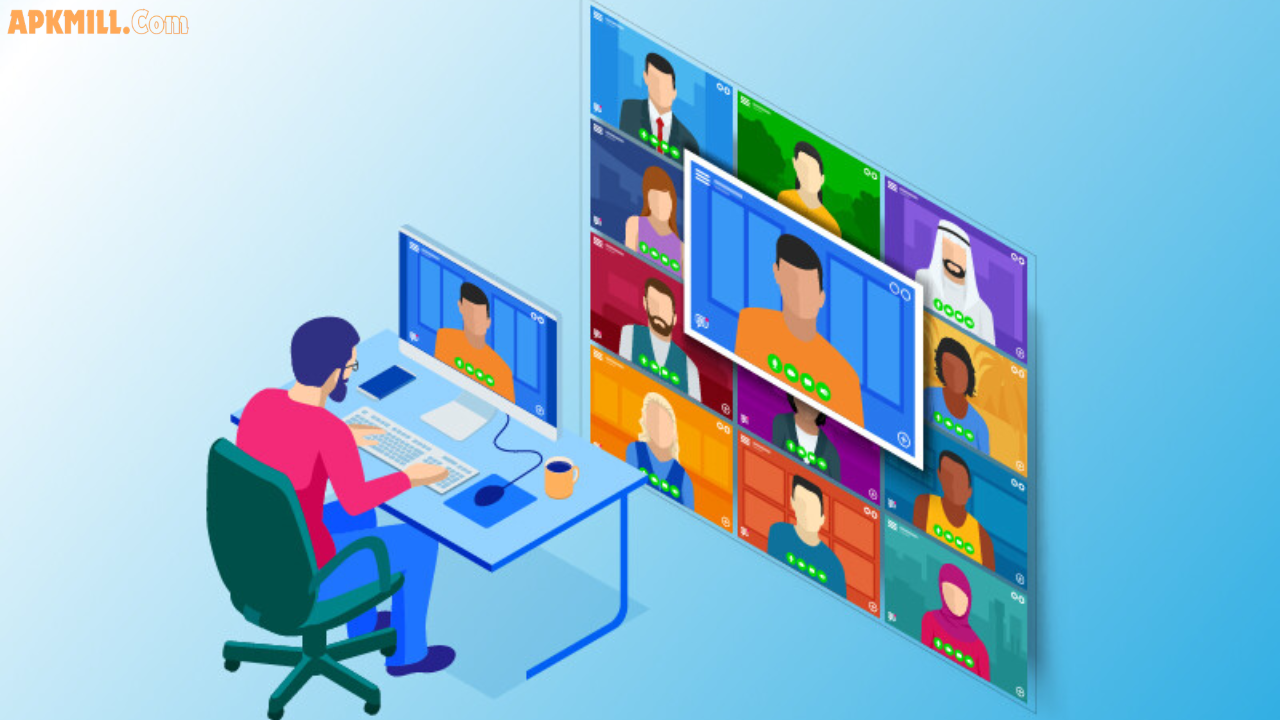
Zoom When you need face-to-face meetings, Zoom is still the most reliable video call platform. It works well even on slower internet connections.
Best for: Client calls, team meetings, and online workshops.
Loom Loom lets you record short video messages instead of writing long emails. It saves time and adds a personal touch to remote communication.
Best for: Explaining complex ideas quickly without scheduling a meeting.
3. Finance & Money Management
Wise (formerly TransferWise) Wise is a must-have for digital nomads who deal with international payments. It offers real exchange rates with low transfer fees — far better than traditional banks.
Best for: Freelancers receiving payments from international clients.
Revolut Revolut is a digital banking app that works in dozens of countries. You can hold multiple currencies, spend abroad with no hidden fees, and track your expenses in real time.
Best for: Nomads who move between countries frequently.
Wave Wave is a free invoicing and accounting tool built for freelancers and small businesses. You can send professional invoices, track income, and manage expenses easily.
Best for: Freelancers who need simple bookkeeping without paying for expensive software.
4. Travel & Workspace Finding
Nomad List Nomad List is a community-driven platform that ranks cities around the world based on internet speed, cost of living, safety, and overall nomad-friendliness.
Best for: Planning your next destination based on real data.
Workfrom Workfrom helps you find remote-friendly cafés, co-working spaces, and public spots with good Wi-Fi near your location.
Best for: Finding a great place to work when you’re in a new city.
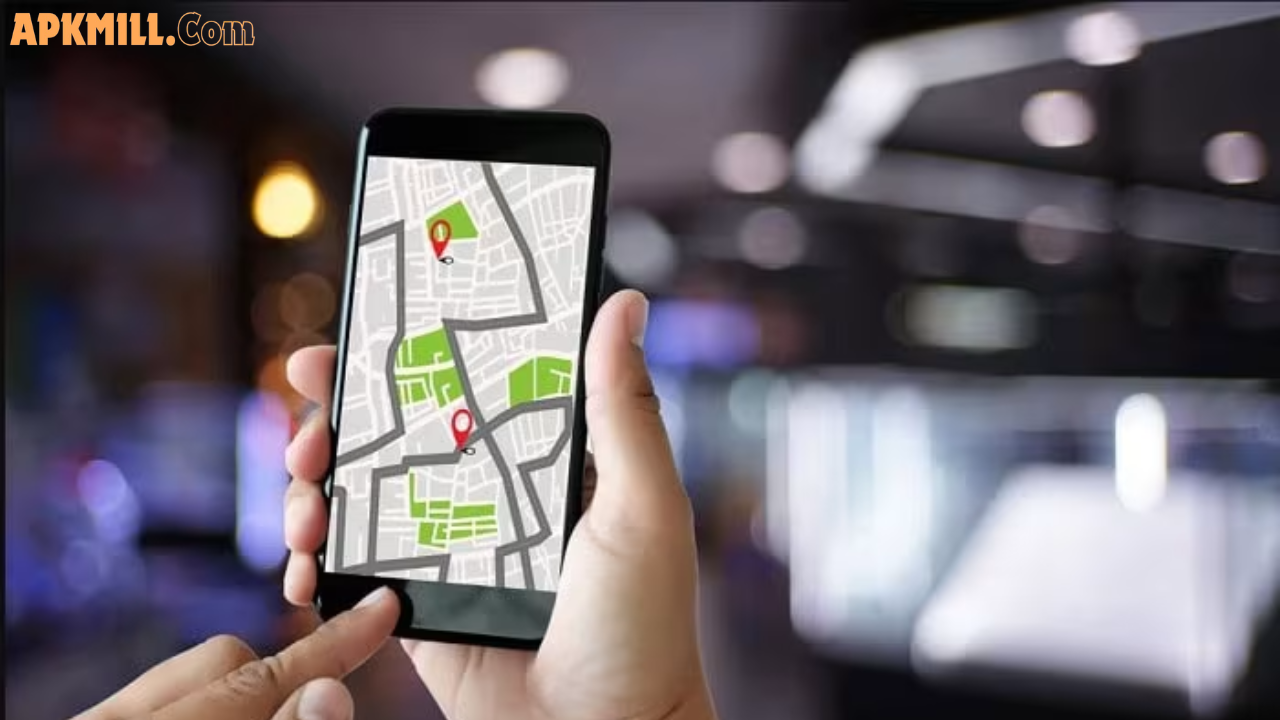
Google Maps Never underestimate Google Maps. It helps you find co-working spaces, cafés, ATMs, grocery stores, and emergency services in any city around the world.
Best for: Everyday navigation and local discovery.
5. Internet & Security
Speedtest by Ookla Before settling into a new workspace, always test the internet speed. Ookla’s Speedtest gives you accurate results in seconds so you never get stuck with a slow connection during an important call.
Best for: Checking Wi-Fi quality before committing to a workspace.
ExpressVPN / NordVPN A VPN is essential for digital nomads who regularly connect to public Wi-Fi. It encrypts your connection and keeps your data private.
Best for: Staying secure on public networks in cafés, airports, and hotels.
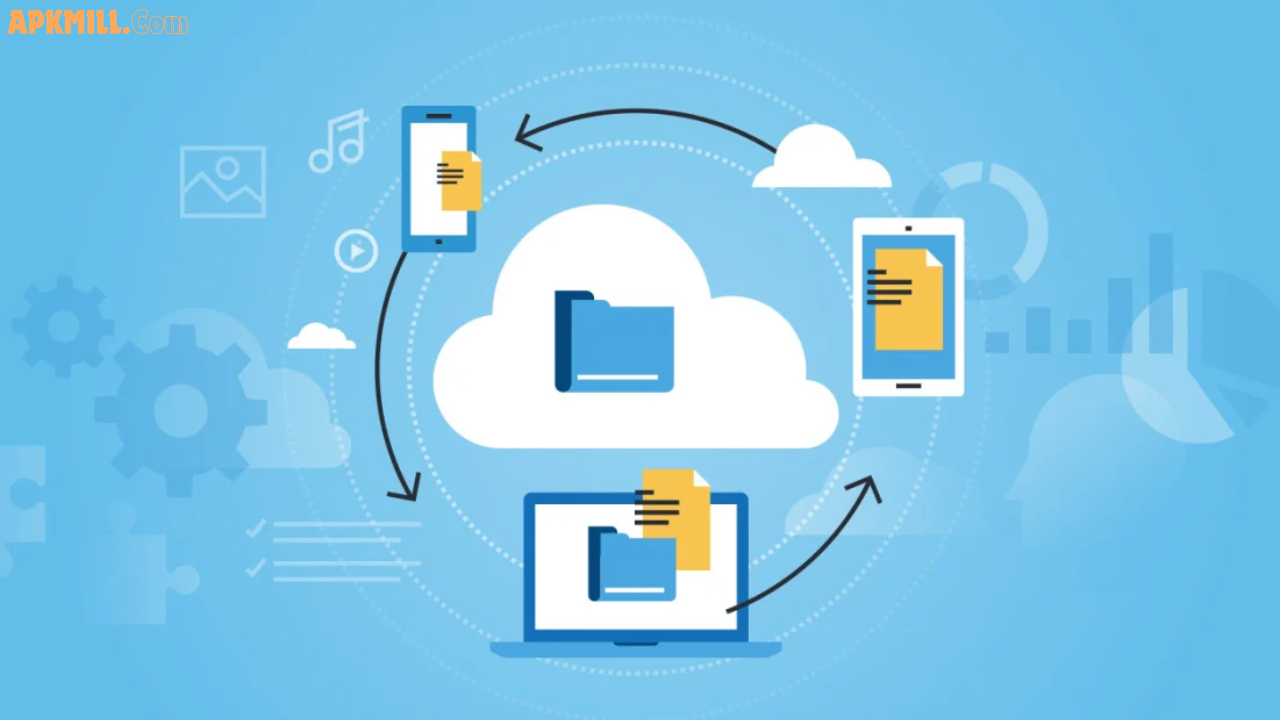
Google One (Cloud Storage) Keep all your important files backed up and accessible from any device. Google One offers affordable cloud storage plans that work across Gmail, Drive, and Photos.
Best for: Keeping files safe and accessible from anywhere.
Quick Comparison: Top Digital Nomad Apps
| App | Category | Free Plan | Best For |
|---|---|---|---|
| Notion | Productivity | ✅ Yes | All-in-one workspace |
| Slack | Communication | ✅ Yes | Team collaboration |
| Wise | Finance | ✅ Yes | International payments |
| Nomad List | Travel | Limited | City research |
| NordVPN | Security | ❌ No | Online privacy |
| Trello | Project Mgmt | ✅ Yes | Visual task boards |
Pros and Cons of Using Digital Nomad Apps
✅ Pros
- Work from literally anywhere in the world
- Stay organized and productive without a physical office
- Save money by using free or low-cost tools
- Collaborate with global teams in real time
- Automate repetitive tasks and save hours every week
❌ Cons
- Too many apps can cause distraction and “app overload”
- Some tools require a paid subscription for full features
- Poor internet connection can limit app performance
- Learning new tools takes time and effort
Practical Tips for Digital Nomads
1. Keep your app stack simple More apps don’t always mean more productivity. Choose 6–8 core tools and master them instead of jumping between 20 different platforms.
2. Always test Wi-Fi before working Use Speedtest before every session. A minimum of 10 Mbps download speed is recommended for video calls and normal remote work.
3. Use a VPN on every public network Never trust public Wi-Fi without a VPN. Your client data, passwords, and financial information are at risk on unprotected networks.
4. Keep your files in the cloud Local storage is risky. Store everything important on Google Drive, Dropbox, or Notion so you never lose work due to a lost or damaged device.
5. Set a consistent work schedule Time zone differences can blur your work-life balance. Define clear working hours and communicate them to your clients and team.
Frequently Asked Questions (FAQs)
Q1: What apps do digital nomads use most? The most popular apps among digital nomads include Notion, Slack, Zoom, Wise, and Trello. These tools cover productivity, communication, and finance — the three pillars of remote work.
Q2: Are digital nomad apps free to use? Many top digital nomad apps offer free plans with core features. Tools like Notion, Trello, Slack, and Wave are free to get started. Some advanced features may require a paid upgrade.
Q3: Which app is best for managing money as a digital nomad? Wise and Revolut are the most recommended apps for managing international payments and multi-currency expenses. Both offer real exchange rates and low fees compared to traditional banks.
Q4: How do digital nomads find good Wi-Fi? Apps like Workfrom and Nomad List help digital nomads find reliable internet spots. Always run a quick speed test before starting important work.
Q5: Is it safe to work on public Wi-Fi as a digital nomad? Public Wi-Fi can be risky without protection. Always use a trusted VPN to encrypt your connection and protect your data when working from cafés, airports, or co-working spaces.
Conclusion
Being a digital nomad is about freedom — but that freedom runs on the right tools. From staying productive with Notion and Trello, to managing international payments with Wise, to finding great workspaces through Nomad List — the right app stack makes location-independent work truly possible.
Start with the basics, build your toolkit slowly, and focus on tools that solve your real daily challenges.
Ready to build your nomad workflow? Explore these tools and get started today.